How to make
their coloring book.
Start with a favorite photo and the story behind it. Plan a photobook you can color: illustrated family memories, with your own captions and room for a child’s imagination.
From “remember when” to “let’s color.”
1Pick the moments
A trip, a tradition, or an ordinary afternoon.
2Tell it your way
Add the people, the photos and your own captions.
3Make room for color
Preview it free, then print and color it together.
1. Give their people a place in the studio
Add a child’s name, age, interests, and a few clear reference photos. Include family members, friends, and pets with their own pictures and little details. You can reuse these profiles for future books.
2. Tell us what you want to remember
Choose the memory option for a family trip, a tradition, or a collection of everyday moments. You can still invent an adventure. Write naturally. Reference photos can help describe places, objects, and moments as well as people.
3. Read the story plan first
Review each scene before illustration. Move pages around, add a moment, or take one out. Choose a coloring age, 12, 16, or 24 pages, and the amount of story text you want.
4. Make the book your own
Review a page at a time. Edit captions and scene descriptions, change the cover title, and add a dedication. For a personalized book, natural-language instructions can change one illustration while the rest of the book stays in place. Sample artwork is labeled and does not change to match uploaded photos.
For more to do together, switch on “Add activities.” Choose puzzles and mazes, numbers and patterns, or drawing and memories, then pick a suggested age level. The activity pages are ready to preview in the story plan and editor. They are included at no extra charge and join your coloring pages in the full-book PDF after unlocking.
5. Download, print, and hand over the crayons
Review the free preview. Unlock the complete book with a one-time purchase, then download US Letter, A4, or an 8 × 10 inch PDF. The print-at-home version keeps the cover ink-friendly. Follow our printing guide for paper and scaling tips.
What is available in the studio?
Open the studio to check current availability. Printed books are not available for delivery.
Softcover and hardcover checkout is a demonstration. It does not charge a card, send a book to a printer, or ship anything. The ready-made printable collection is free and usable now.
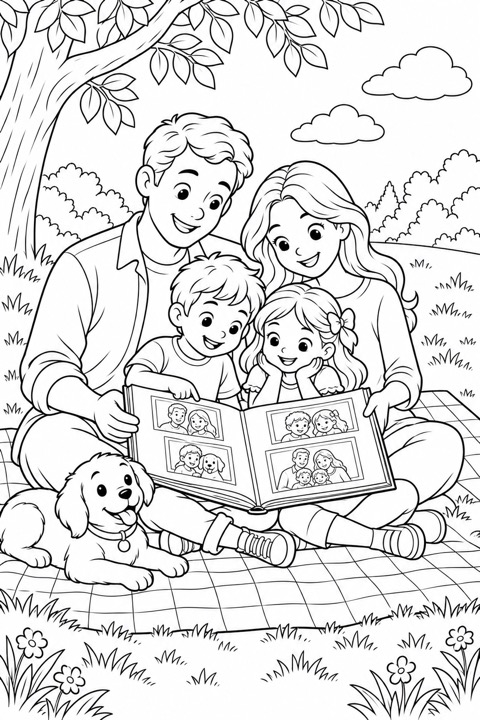
Some memories deserve another afternoon.
Choose the photos and little moments you keep coming back to. Shape them into a coloring book, then sit down together and make it yours. A photobook you can color.
Start a memory bookOpen the studio to check current availability. Printed books are not available for delivery.