Free Paper Computer Engineering printables
No screen. A whole computer to figure out.
Choose the version that fits your child today. Start with coloring, share an early activity, or settle into a bigger investigation. Every complete pack is free in US Letter and A4.
Age ranges are a starting point. Follow your child’s interests and comfort, and explore together. No account or email form is needed.
Little Computer Coloring
Eight coloring-only pages with bold outlines, roomy shapes and a friendly theme character. Drawings are simplified pictures and pretend characters, not scientific diagrams.
8 printable pages · 8 coloring pages
Offer one page at a time and follow the child's interest. Stop whenever they are ready.
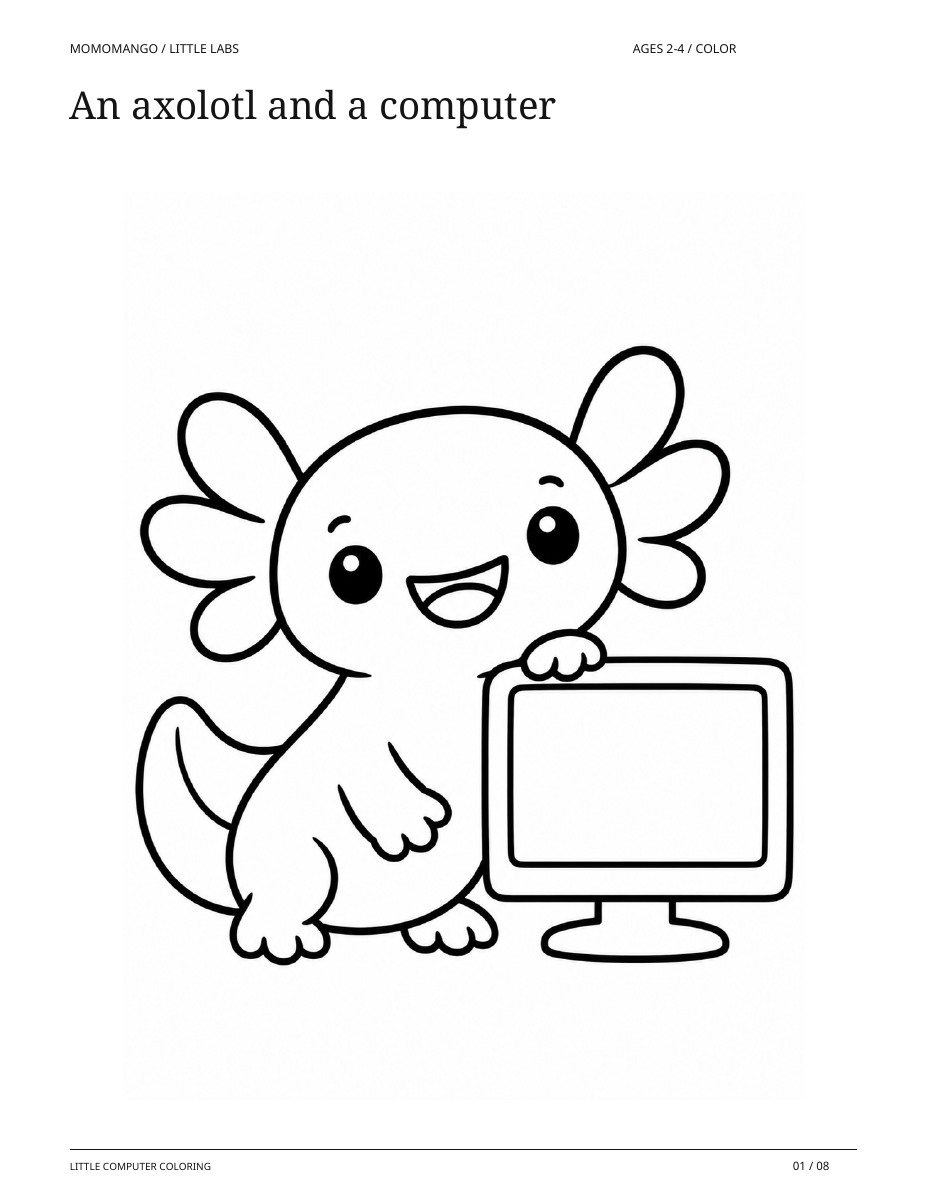
An axolotl and a computer
A real page from the coloring-only pack.
A computer screen
A real page from the coloring-only pack.
Ready to print and color
Print any page in portrait on the matching paper size. Coloring only: there are no puzzles, tracing tasks, cutting pieces or expected answers. Scribbling and coloring outside the lines are welcome.
What you’ll need
- The printed pages
- Chunky crayons
- A grown-up nearby
All 8 pages, in print order
- An axolotl and a computer
- A computer screen
- Big keyboard keys
- A computer mouse
- Little memory drawers
- A friendly robot
- A paper message
- A printer and paper
Little Computer Explorers
Sixteen paper-computer activities for ages 4-6: match parts, send picture messages, remember a symbol, follow short directions, and invent a pretend machine. Includes two grownup pages.
18 printable pages · 16 activities + 2 grown-up support pages
About 5-10 minutes per activity, at your child's pace
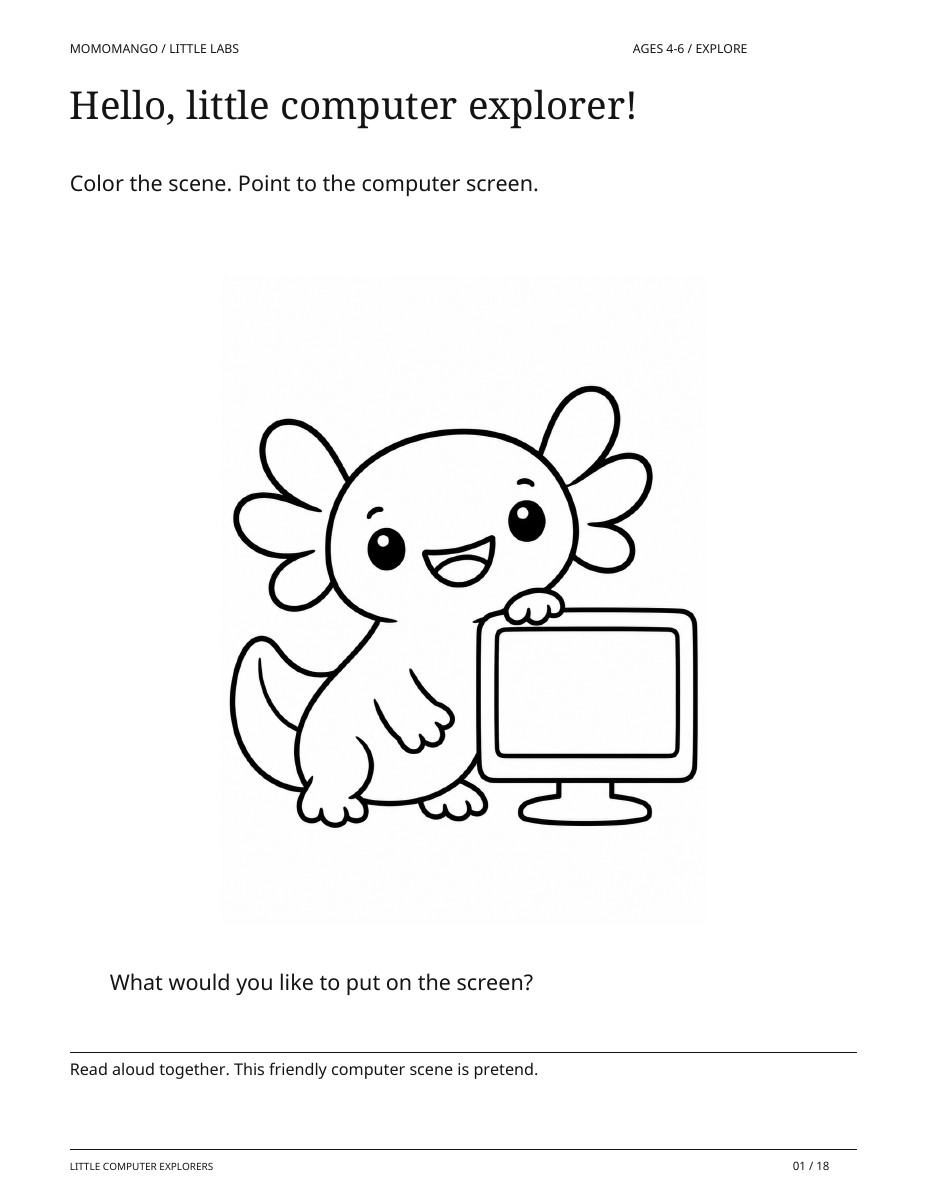
Hello, little computer explorer!
A real page from the read-aloud activity pack.
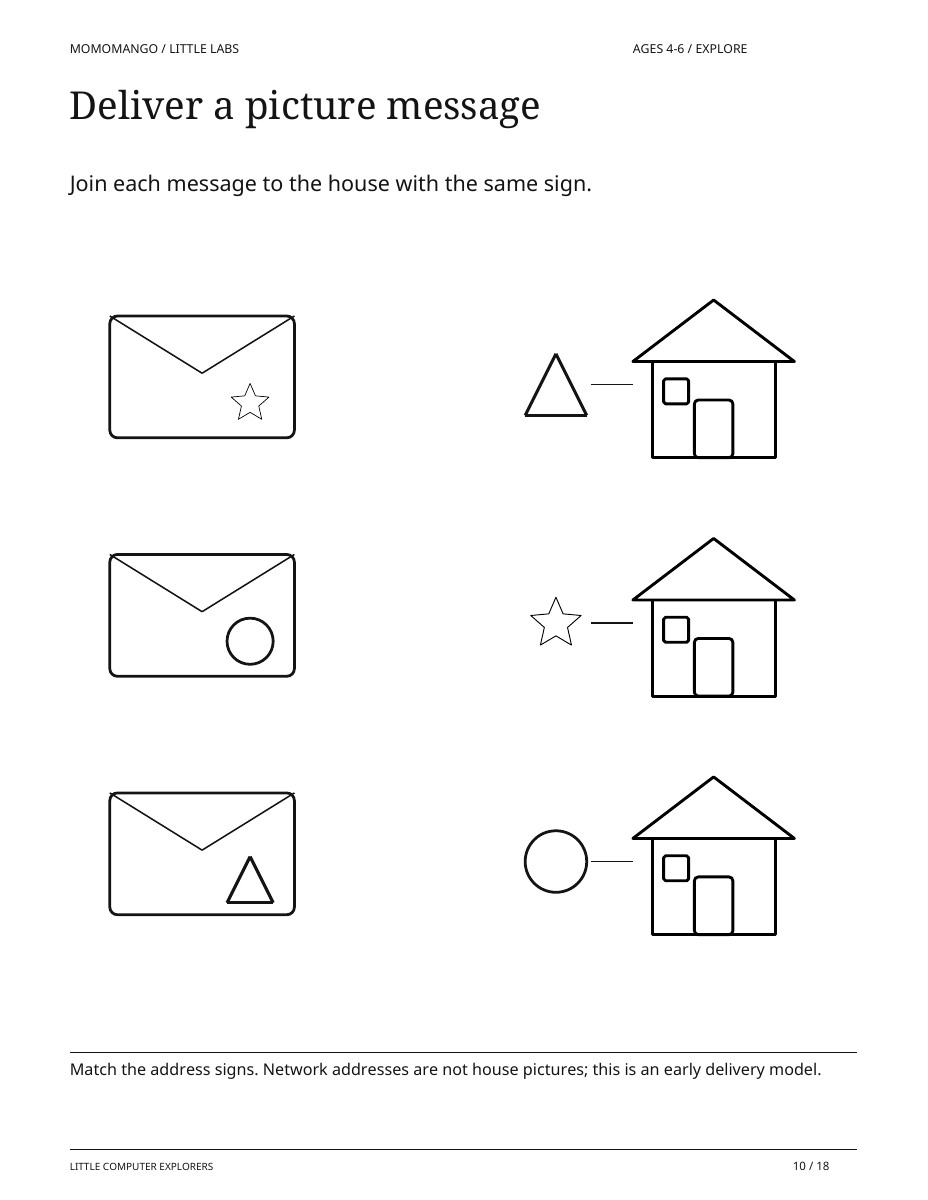
Deliver a picture message
A real page from the read-aloud activity pack.
Ready to print and explore
Print at actual size on US Letter or A4. Black-and-white friendly. Use a finger or crayon; no cutting, glue, computer, or independent reading is needed.
What you’ll need
- Printed pages
- Crayons or a pencil
- A grownup to read and talk together
All 18 pages, in print order
- Hello, little computer explorer!
- Find the computer pairs
- We tell it; it shows us
- Follow the picture message
- Press a shape, show a shape
- Two tiny directions
- Put the story in order
- Save this picture
- Remember and find
- Deliver a picture message
- Tell it or show it?
- Keep the message in order
- Find the broken route
- One press, one picture
- Choose the next direction
- Invent a paper computer
- A little guide for grownupsGrown-up support page
- Answers and conversationsGrown-up support page
Paper Computer Engineering: ages 7–10
No screen. A whole computer to figure out.
Two axolotl engineers need someone to operate their paper machine. Cut the instruction cards, move values through a working box and memory slots, and test what happens next. Explore bits and logic gates, follow a branch, fix a program, route paper messages and investigate a simple error check. You are the person who makes the model run.
20 activity pages + 4 guide, answer and reference pages.
The complete bundle. Completely free.
US Letter (8.5 × 11 inches) is ready for your home printer. A4 is also available. No email form. No separate MomoMango account.
Just the coloring sheet (PNG)Choose another age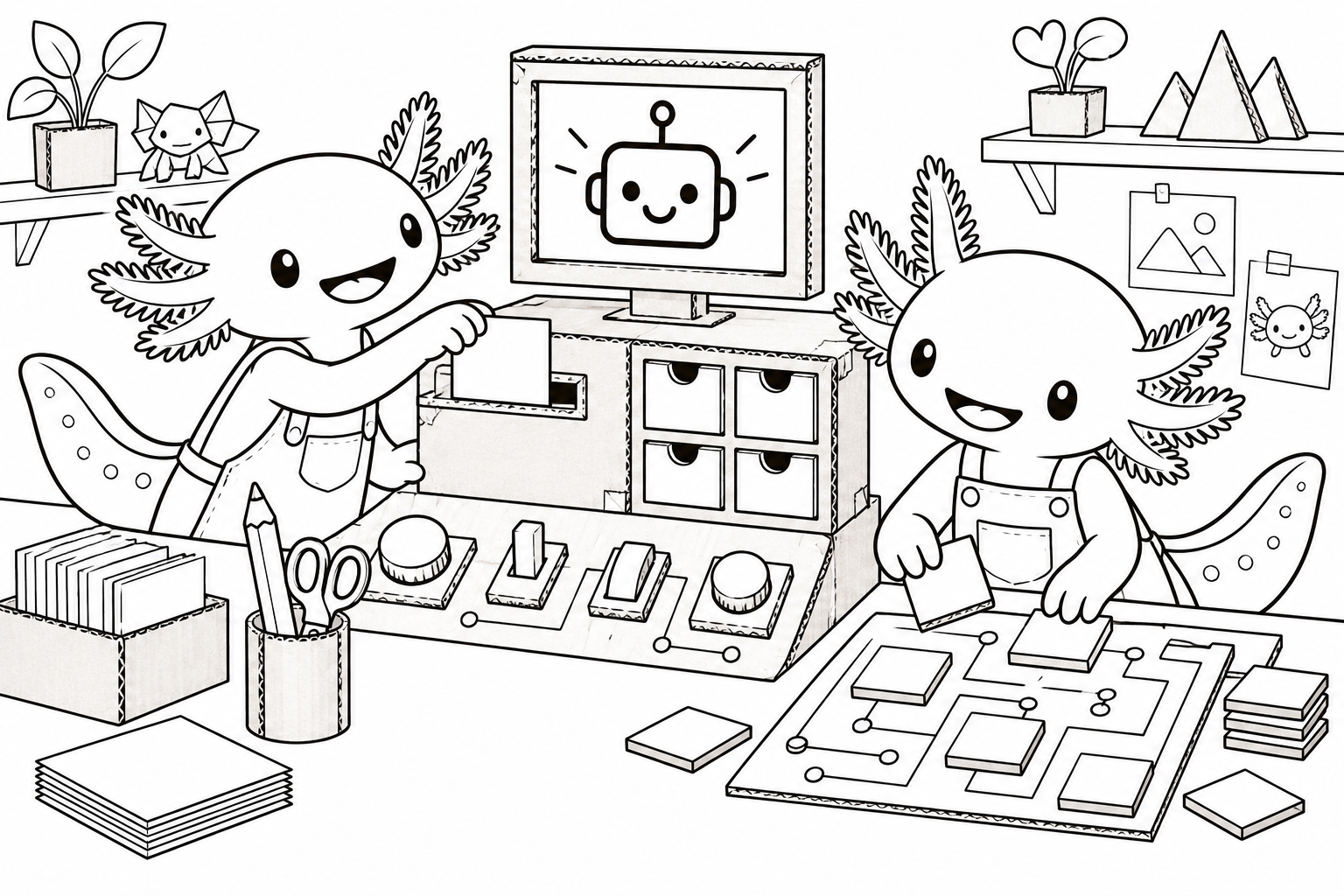
 little people, wonderfully big ideas ♡
A few pages from the bundle.
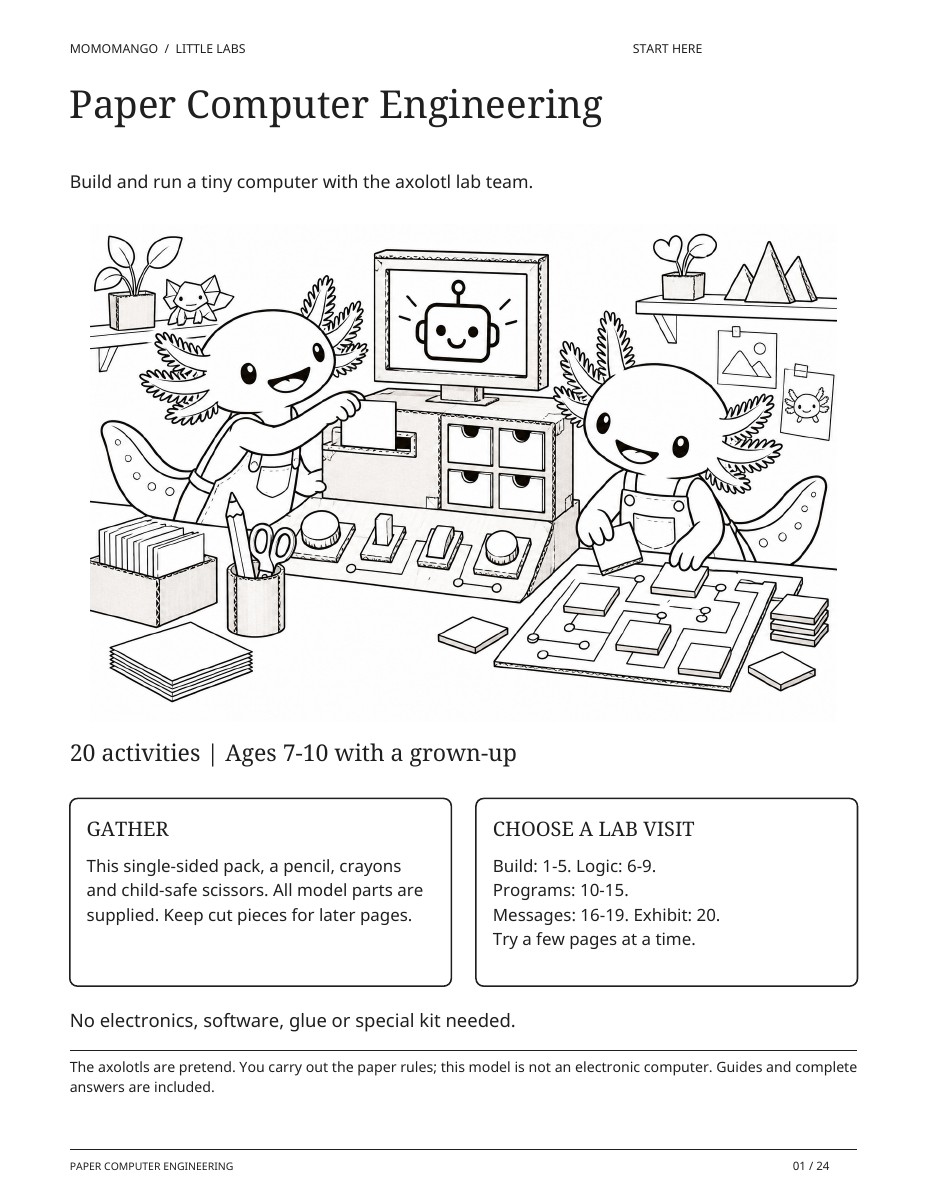
Welcome to the axolotl computer lab
Gather the supplied paper parts and choose your first lab visit.
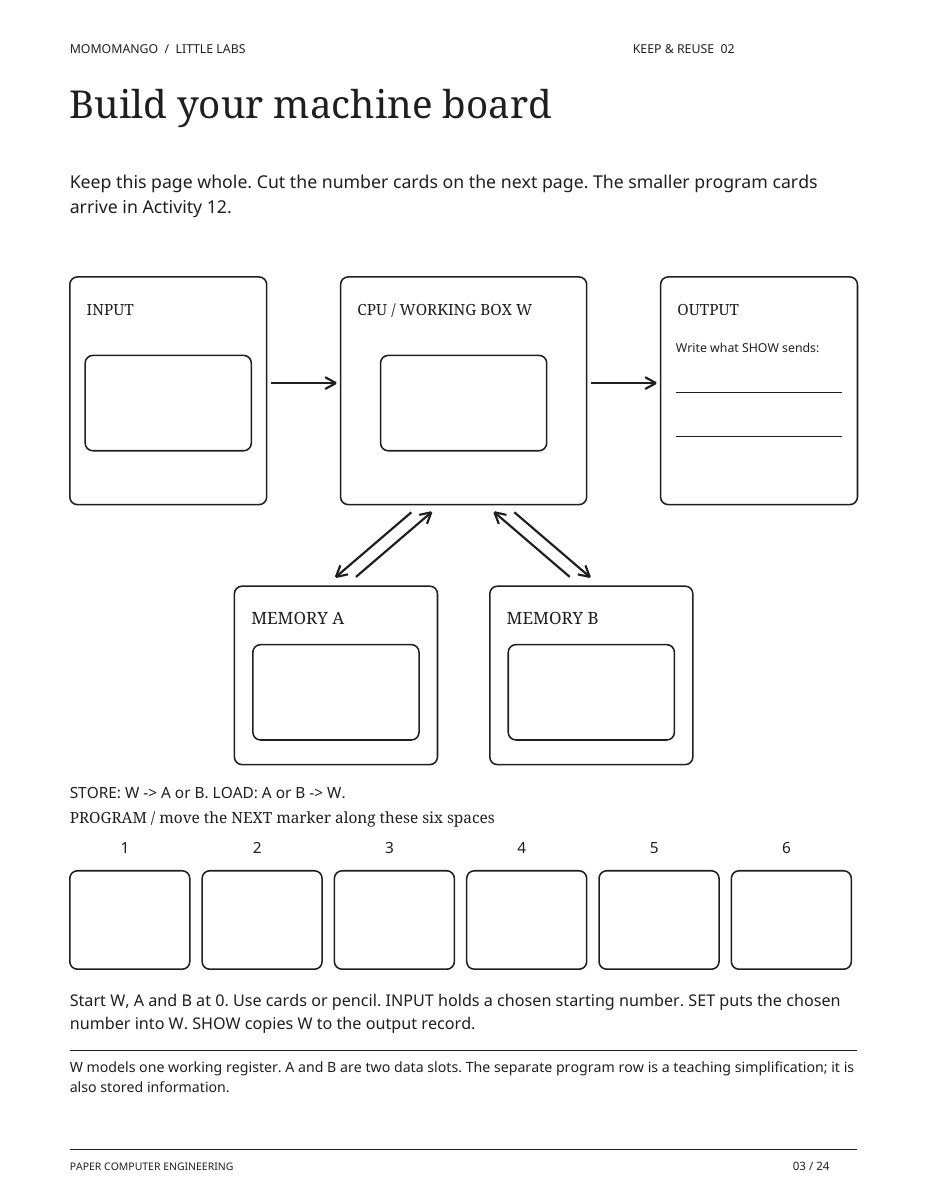
Build your machine board
Keep this board to run instructions with a working box, memory slots and an output record.
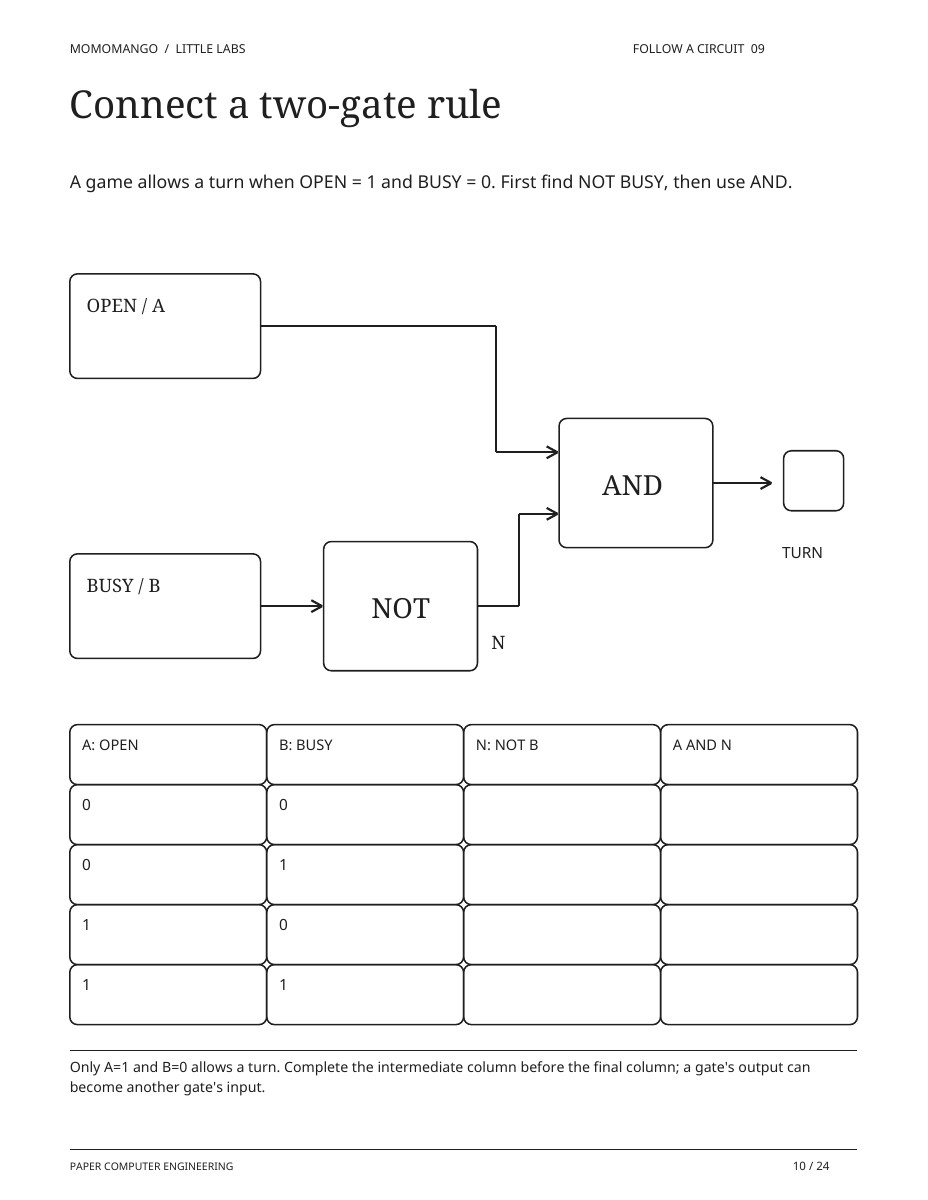
Connect a two-gate rule
Follow NOT and AND in sequence, then test every pair of input values.
A whole bundle of things to try.
Build the paper machine first, then return for short programs and debugging challenges. Print the pages you need, and follow the numbered sequence for activities that build on earlier results.
Print single-sided. Keep the machine board and reusable cards together for later activities. No electronics or glue are needed.
Gather a few simple things.
- The printed pack
- A pencil and crayons
- Child-safe scissors
- A grown-up to help with reading and cutting
All 24 pages, in print order
- Paper Computer EngineeringSupport page
- Meet the paper-machine team
- Build your machine board
- Make the reusable card kit
- Flip a two-state tile
- Four bits, sixteen numbers
- NOT changes the bit
- AND needs both
- OR welcomes either
- Connect a two-gate rule
- Save a number. Get it back.
- Run six small instructions
- Put the program in order
- Follow a branch
- Find the wrong memory slot
- Write a program with a goal
- Route an addressed packet
- Rebuild the pond message
- Add a parity check
- Can the check miss a change?
- Open the paper-computer lab
- For the grown-upSupport page
- Answers: activities 1-10Support page
- More answers and sourcesSupport page
A few little ways
to play.
Start with the printable. See where their imagination takes it.
Take turns being the processor
One person reads an instruction while the other moves the paper values. Swap roles and check whether the same instructions produce the same result.
Make the mistake useful
When a program gives the wrong result, keep the trace. Find the first step where the expected and actual values differ.
Deliver a paper message
Use the addressed packet activity to send and reassemble a message. Explain why the destination and ordering information matter.
Easy on your printer. Ready for their crayons.
Use the PDF that matches your paper, print in portrait, and check the preview before you start. Choose “Fit to printable area” if your printer clips the edges. Read our printing guide.
This theme has separate packs for ages 2–4, 4–6 and 7–10. Choose the pages that suit your child. Find a comfortable level.
What if your child joined the axolotl computer crew?
Take this interest into a personalized coloring storybook starring your child and their people. Your story idea will be waiting in the studio. The free activity bundle stays available here whenever you need it.
Start their coloring storybookOpen the studio to check current availability. Printed books are not available for delivery.A few things you
might be wondering.
Which age version should I choose?
The ages 2–4 pack contains eight coloring pages only. The ages 4–6 pack has sixteen early activities and two grown-up support pages. The ages 7–10 investigation has twenty activities and four support pages. Preview each version above and choose what fits your child's interests and comfort today.
Is this another pixel-art bundle?
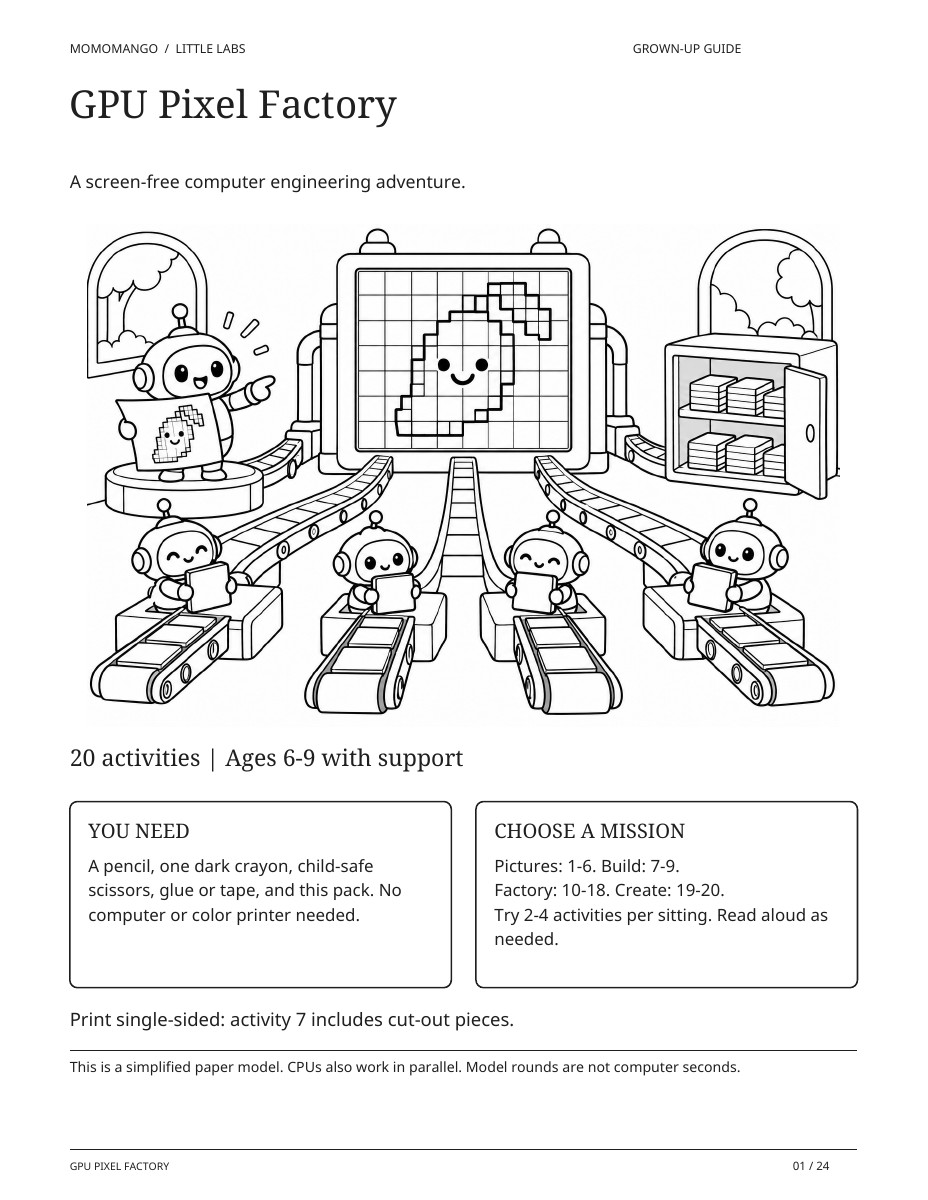
This sequence focuses on a paper computer, memory, instructions, logic gates, debugging and messages. GPU Pixel Factory explores pixels and parallel work; the two packs teach different ideas.
Does the model work like a real computer?
It models selected ideas with paper cards and a person following rules. The guide explains what is simplified. It is not an electronic computer, and its steps do not represent real processor timing.
Can we personalize the computer adventure?
The separate studio can start an illustrated coloring storybook with your child helping a fictional axolotl computer crew. The free engineering activities stay ready-made.
What am I allowed to do with these free printables?
Print and enjoy them with your family, your classroom, or at a non-commercial event. You may not resell the artwork or redistribute the files as your own. Share this page’s link so other families can download their own copy.
Do I need to upload a photo or enter my email?
You do not need to upload photos or complete an email form for these packs. They download directly from this page. The separate book studio saves your family profiles and stories.
There’s more to color.
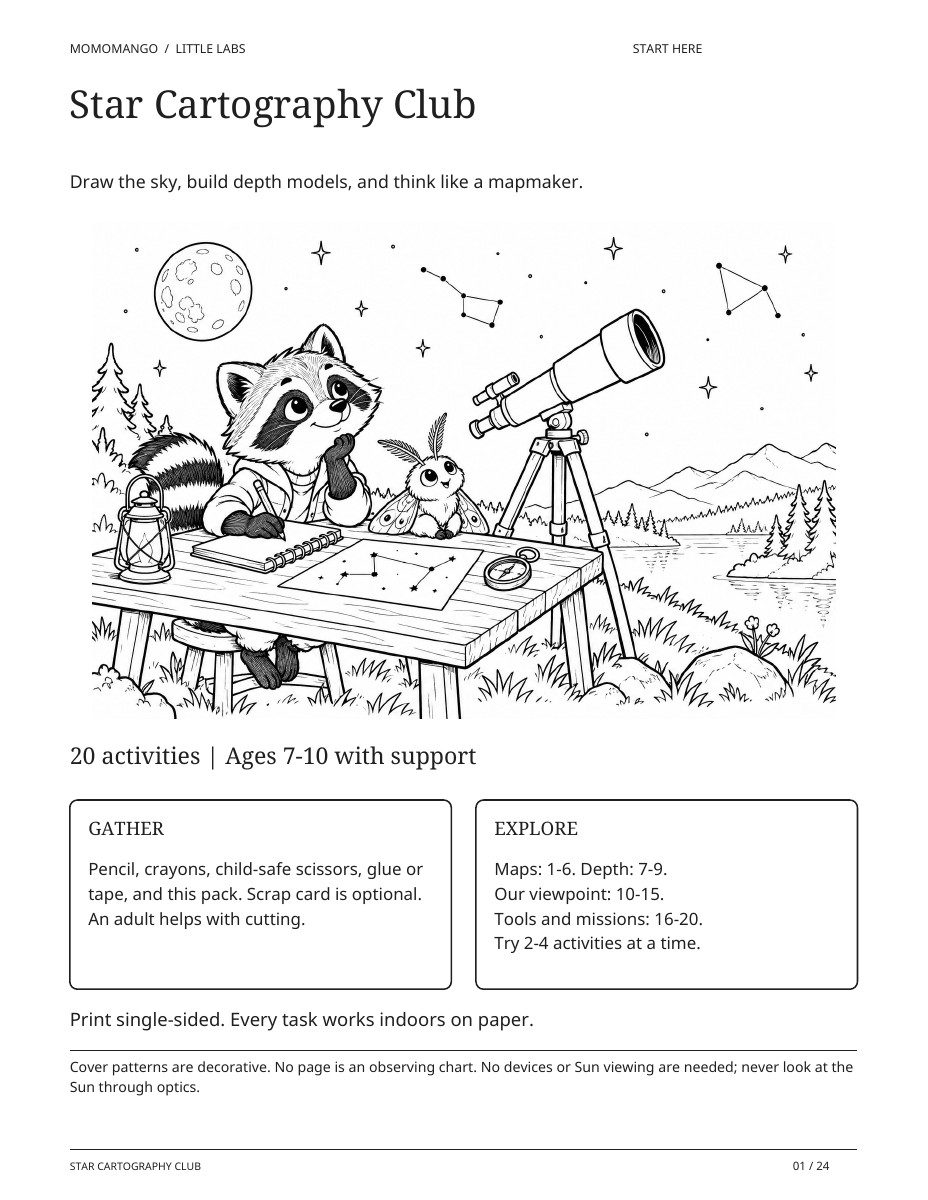
Star Cartography Club
Ages 2–4, 4–6 & 7–10Coloring, early activities & a full investigationKnowledge bundle · Astronomy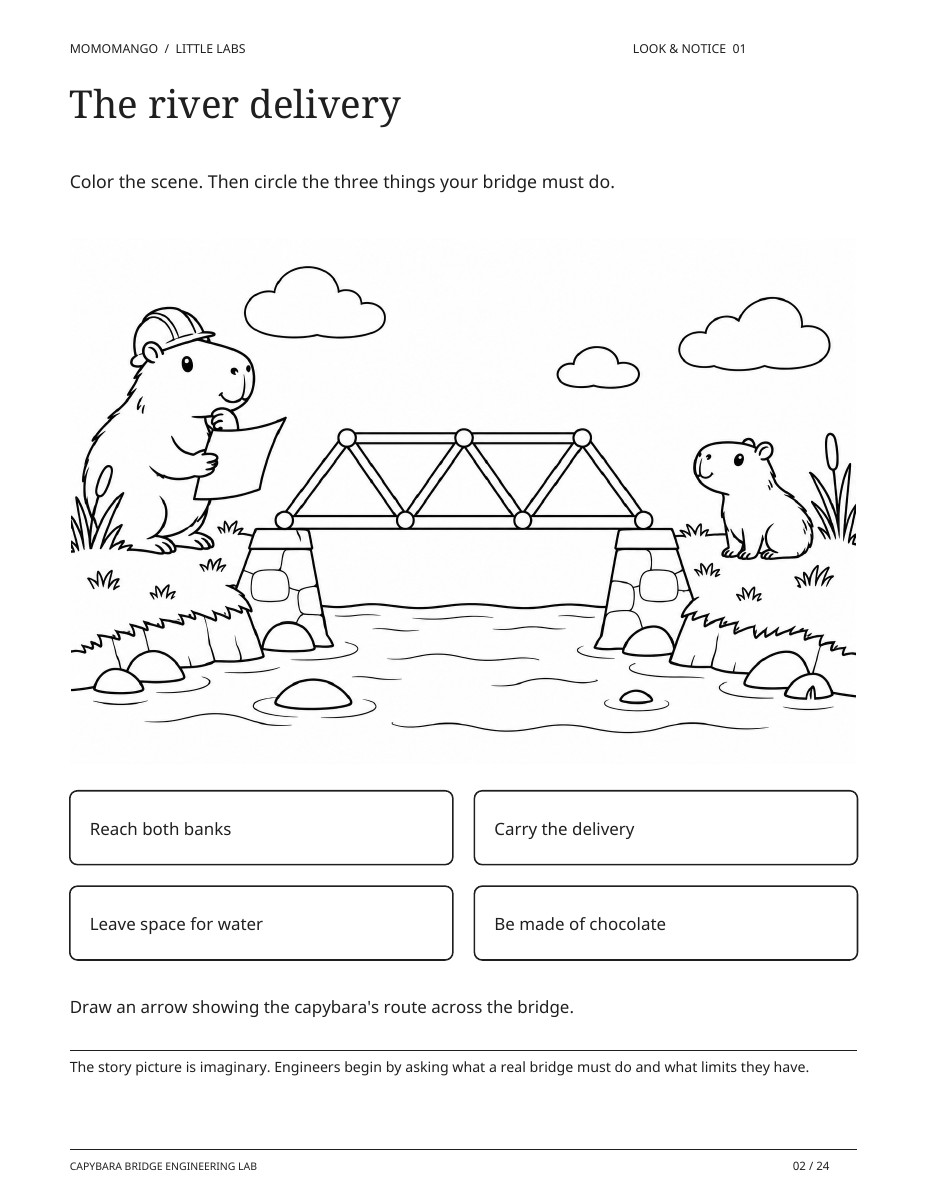
Capybara Bridge Engineering Lab
Ages 2–4, 4–6 & 6–9Coloring, early activities & a full investigationBuilder bundle · Engineering