Free GPU Pixel Factory printables
A very small factory. A very big picture.
Choose the version that fits your child today. Start with coloring, share an early activity, or settle into a bigger investigation. Every complete pack is free in US Letter and A4.
Age ranges are a starting point. Follow your child’s interests and comfort, and explore together. No account or email form is needed.
Little Pixel Coloring
Eight coloring-only pages with bold outlines, roomy shapes and a friendly theme character. Drawings are simplified pictures and pretend characters, not scientific diagrams.
8 printable pages · 8 coloring pages
Offer one page at a time and follow the child's interest. Stop whenever they are ready.
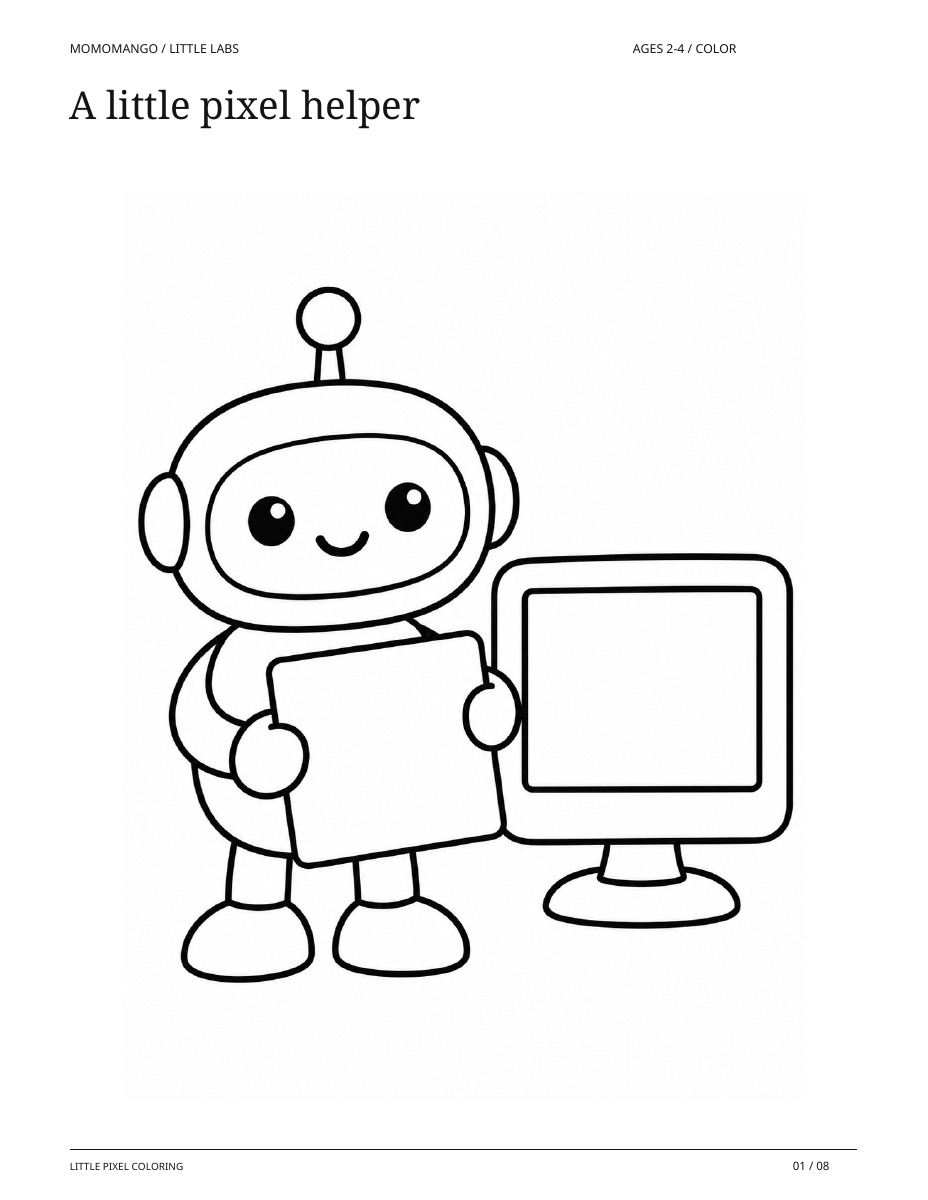
A little pixel helper
A real page from the coloring-only pack.
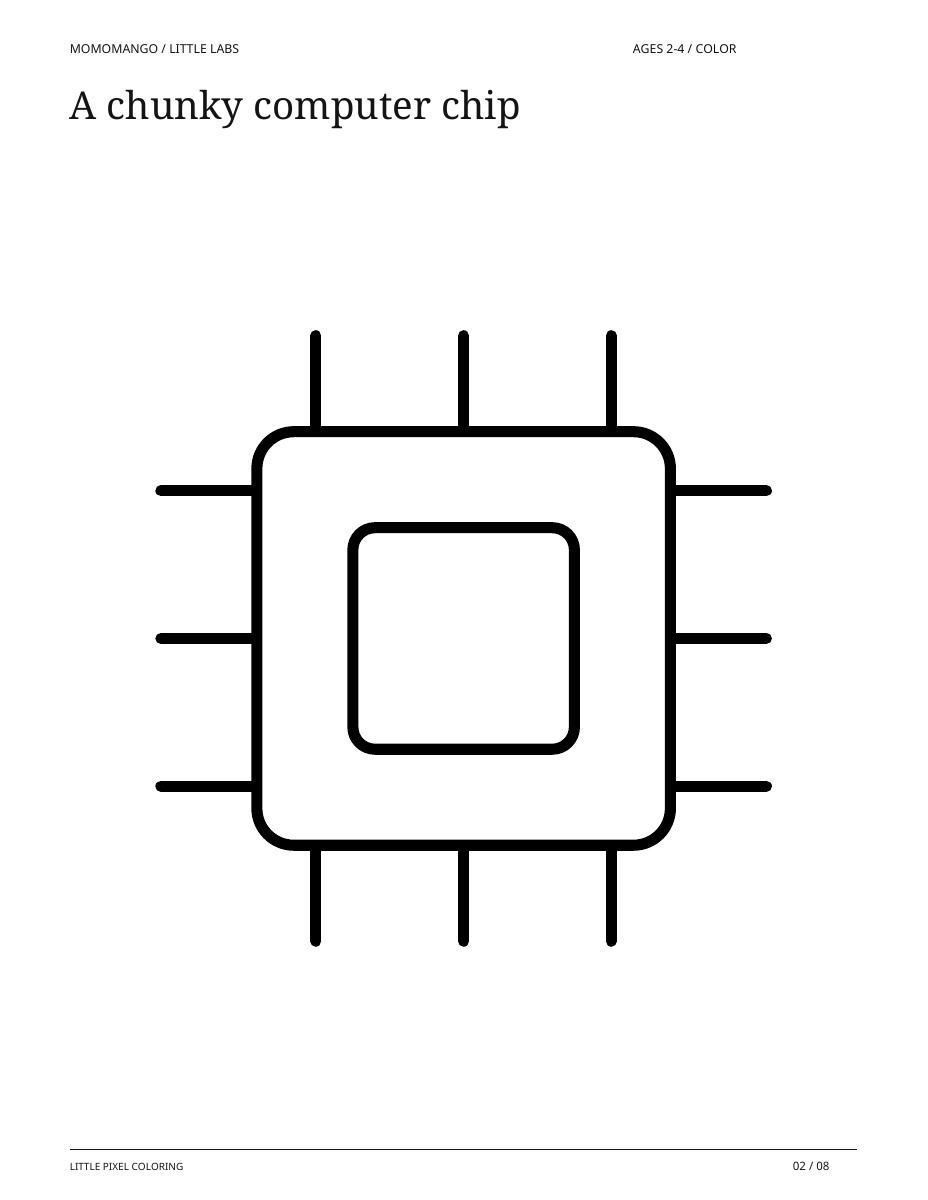
A chunky computer chip
A real page from the coloring-only pack.
Ready to print and color
Print any page in portrait on the matching paper size. Coloring only: there are no puzzles, tracing tasks, cutting pieces or expected answers. Scribbling and coloring outside the lines are welcome.
What you’ll need
- The printed pages
- Chunky crayons
- A grown-up nearby
All 8 pages, in print order
- A little pixel helper
- A chunky computer chip
- A screen of squares
- A cooling fan
- Four big picture tiles
- A sunny picture screen
- A picture memory card
- Big picture columns
Little Pixel Explorers
Sixteen large picture-making activities for ages 4-6: explore pixel squares, match picture pieces, share pretend jobs, follow a picture rule, and make a tiny picture. Includes two grownup pages.
18 printable pages · 16 activities + 2 grown-up support pages
About 5-10 minutes per activity, at your child's pace
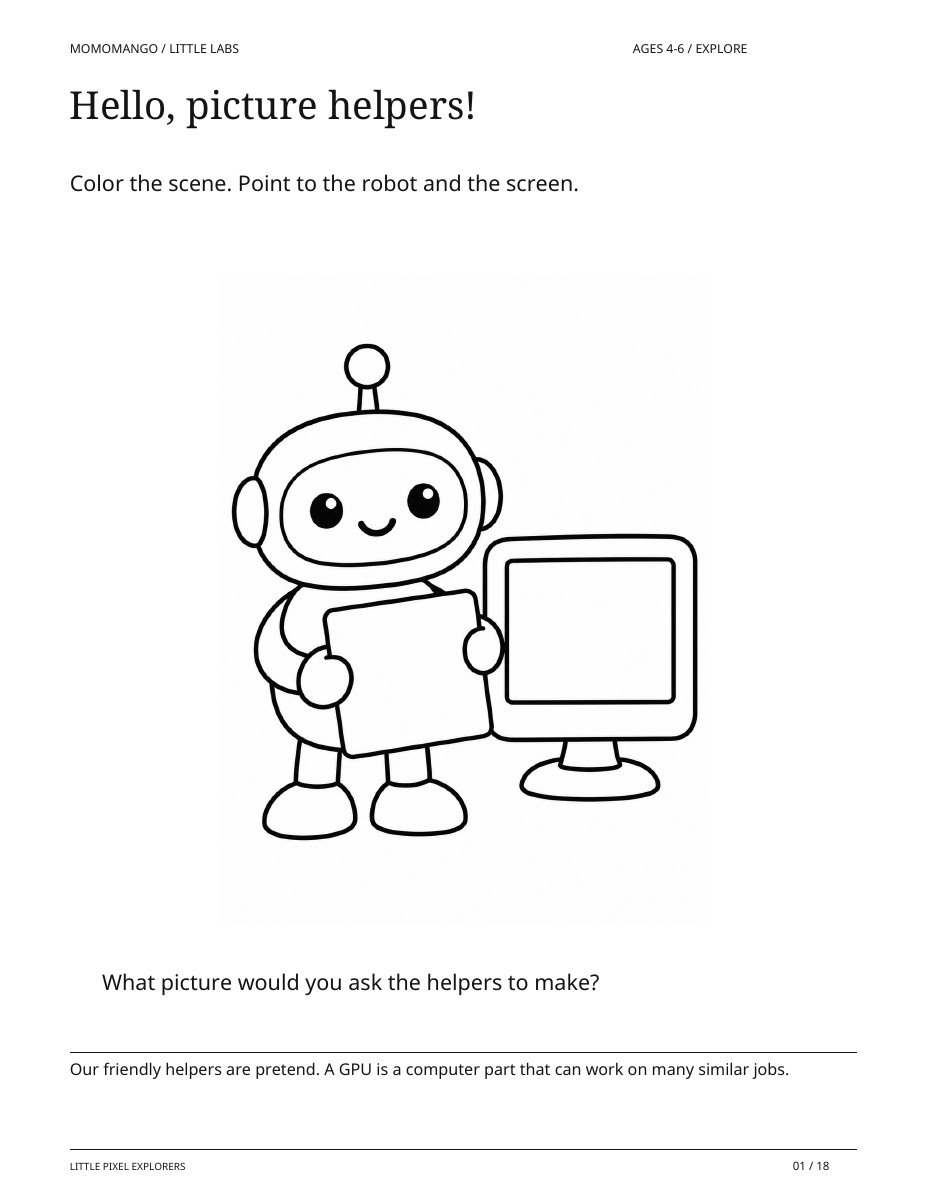
Hello, picture helpers!
A real page from the read-aloud activity pack.
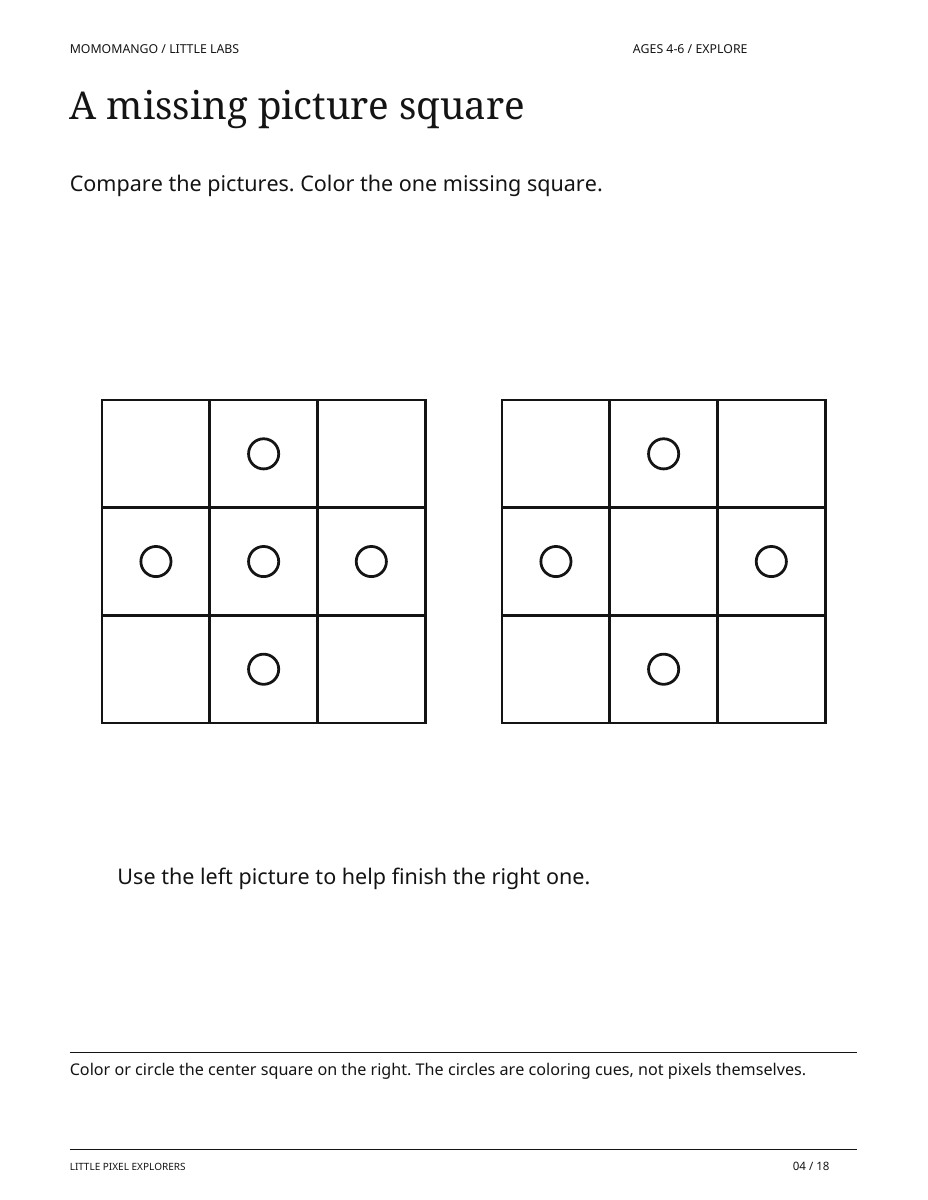
A missing picture square
A real page from the read-aloud activity pack.
Ready to print and explore
Print at actual size on US Letter or A4. Black-and-white friendly. No cutting, glue, device, or independent reading is needed.
What you’ll need
- Printed pages
- Crayons or a pencil
- A grownup to read and talk together
All 18 pages, in print order
- Hello, picture helpers!
- A picture made of squares
- Little picture, big picture
- A missing picture square
- Find the matching picture
- Two halves make a picture
- Give each helper a job
- Share four picture jobs
- First, next, finished
- A tile train pattern
- One rule for all the stars
- Follow the picture jobs
- Which tile is needed?
- Swap the picture colors
- Make a tiny pixel picture
- The picture helper gallery
- A little guide for grownupsGrown-up support page
- Answers and conversationsGrown-up support page
GPU Pixel Factory: ages 6–9
A very small factory. A very big picture.
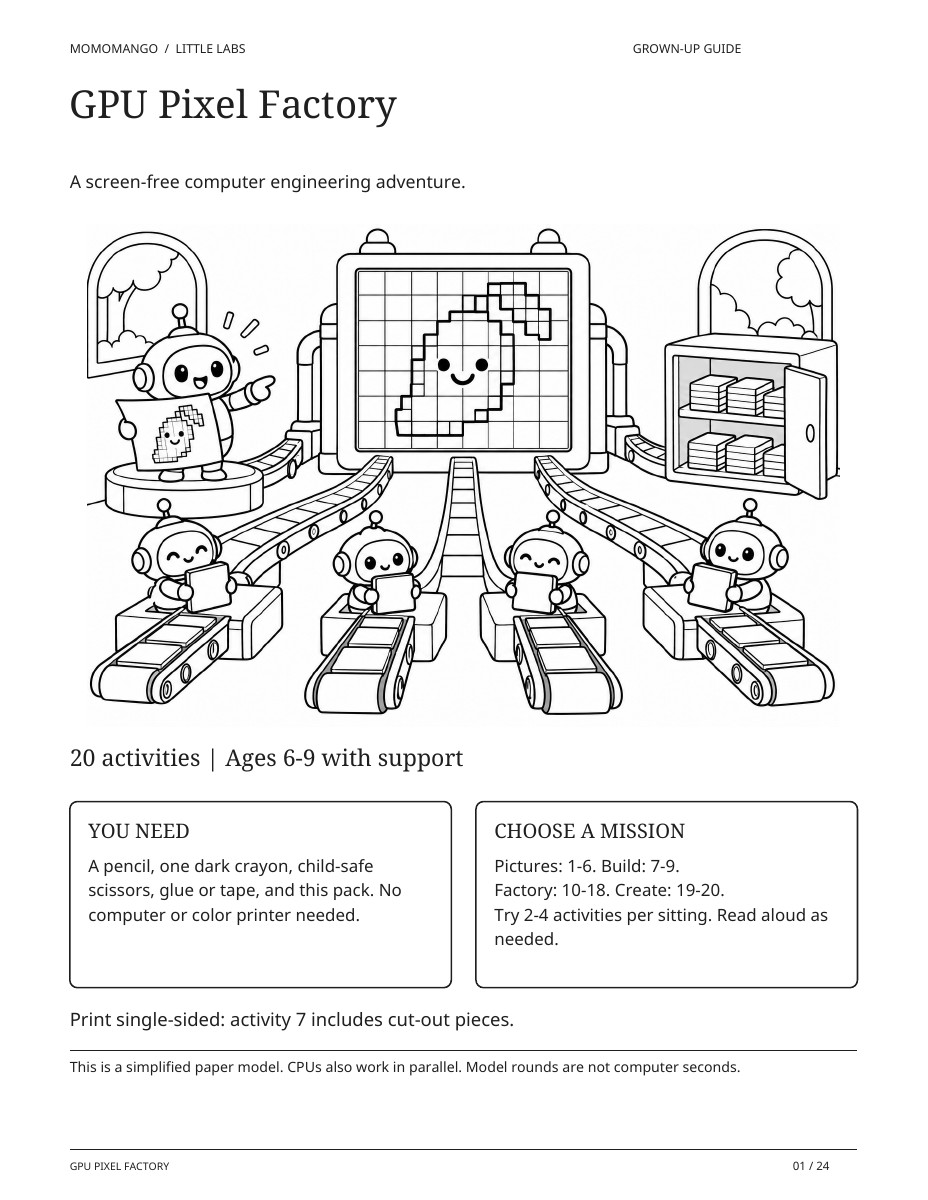
What helps a computer make a picture? Step into a pretend pixel factory, where tiny helpers turn simple instructions into colorful grids. Color, decode, compare ways of sharing work, and design your own pixel art while exploring the real computing ideas behind the story.
20 activity pages + 4 guide, answer and reference pages.
The complete bundle. Completely free.
US Letter (8.5 × 11 inches) is ready for your home printer. A4 is also available. No email form. No separate MomoMango account.
Just the coloring sheet (PNG)Choose another age
 little people, wonderfully big ideas ♡
A few pages from the bundle.
Your factory launch guide
Gather the materials and choose a route through making pictures, building a paper computer and running the factory.
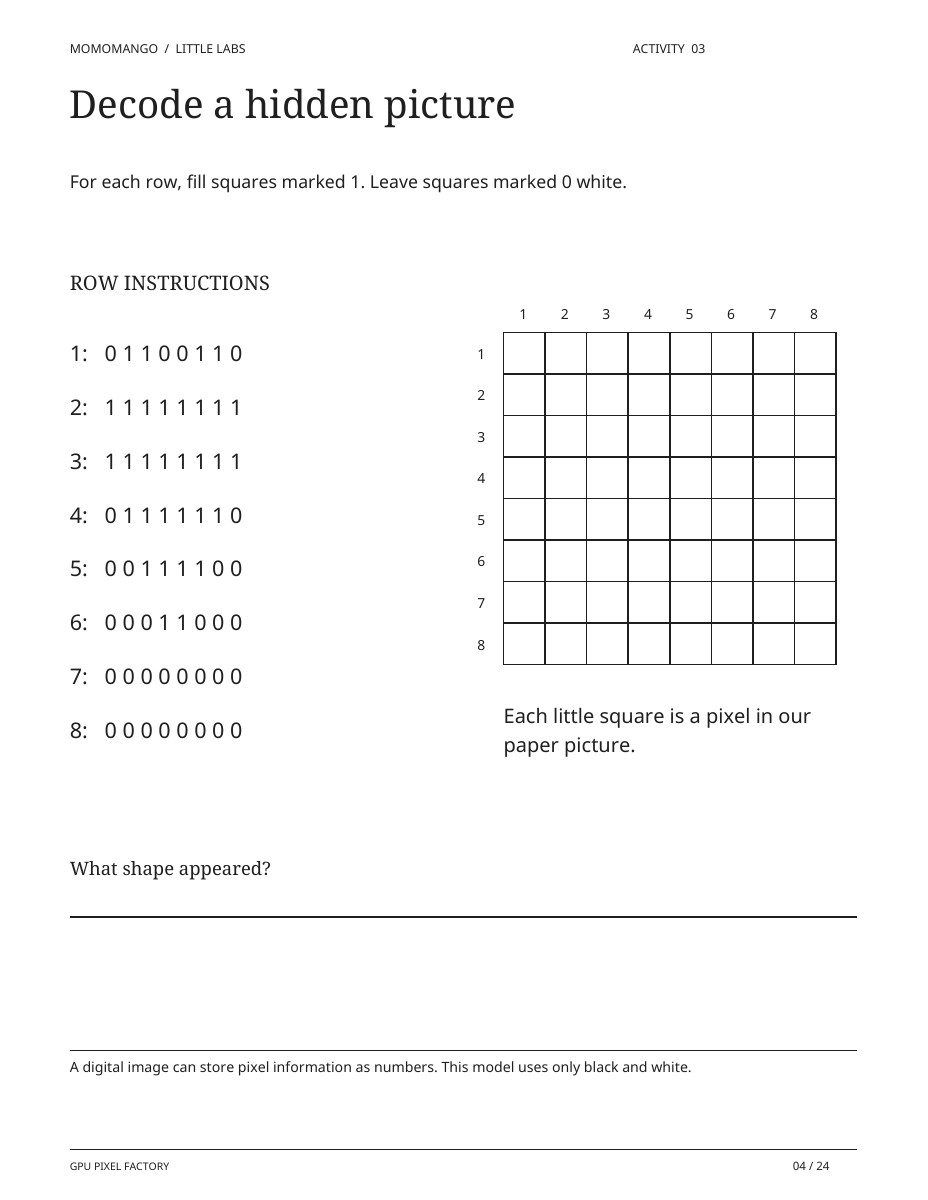
Decode a hidden picture
Turn printed instructions into a picture on a pixel grid.
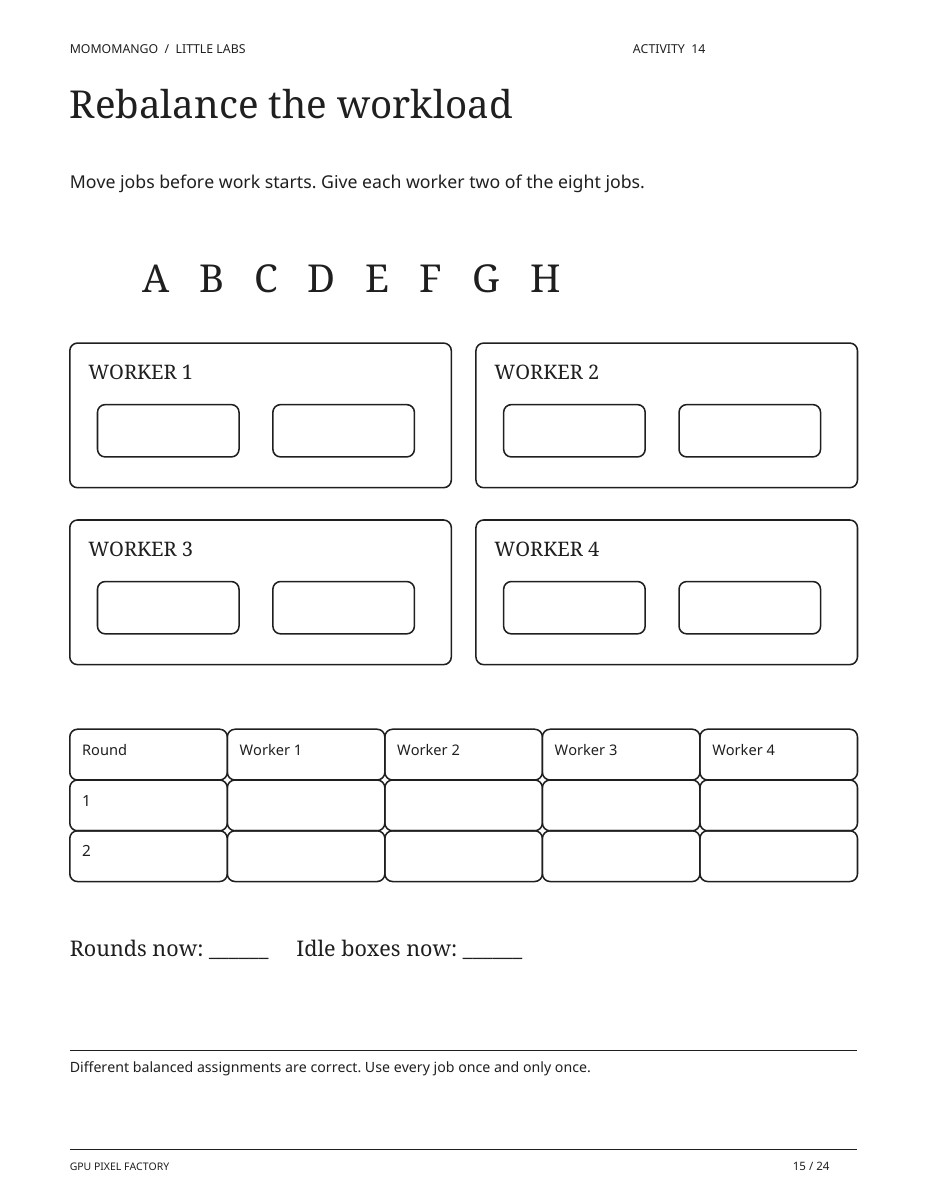
Rebalance the workload
Think about how to share a set of jobs more evenly across the paper factory.
A whole bundle of things to try.
Choose a short activity, or explore the factory over several sessions. Print the pages you need, and follow the numbered sequence for activities that build on earlier results.
Print single-sided so the paper computer pieces stay usable. Read prompts aloud as needed, especially for ages 6–7.
Gather a few simple things.
- The printed pack and a pencil
- One dark crayon
- Child-safe scissors
- Glue or tape
- A grown-up to help with reading and cutting
All 24 pages, in print order
- GPU Pixel FactorySupport page
- A picture's journey
- Meet the computer crew
- Decode a hidden picture
- Encode your own icon
- Coordinates at work
- Repair four pixels
- Build a paper computer
- Some jobs must wait
- Which jobs can overlap?
- One worker, eight jobs
- Four workers, eight jobs
- Compare the paper factories
- The lopsided queue
- Rebalance the workload
- One instruction, many pixels
- When instructions differ
- First, deliver the data
- Find the real hold-up
- Design a tiled scene
- Debug the opening night
- Facilitator notesSupport page
- Answers: activities 1-10Support page
- Answers: activities 11-20Support page
A few little ways
to play.
Start with the printable. See where their imagination takes it.
Make it a screen-free computer club
Choose a pixel activity, put crayons in the middle of the table, and compare the pictures you make. There is no software to install and no computer hardware to open.
Take turns being the instructions
One person explains a small pixel design; another follows the directions. Compare the result with the original and notice where a clearer instruction would help.
Talk about the pretend parts
The factory and its helpers are a story for exploring computing. Use the guide to talk about where the analogy helps and where a real computer works differently.
Easy on your printer. Ready for their crayons.
Use the PDF that matches your paper, print in portrait, and check the preview before you start. Choose “Fit to printable area” if your printer clips the edges. Read our printing guide.
This theme has separate packs for ages 2–4, 4–6 and 6–9. Choose the pages that suit your child. Find a comfortable level.
What if your child visited the pixel factory?
Take this interest into a personalized coloring storybook starring your child and their people. Your story idea will be waiting in the studio. The free activity bundle stays available here whenever you need it.
Start their coloring storybookOpen the studio to check current availability. Printed books are not available for delivery.A few things you
might be wondering.
Which age version should I choose?
The ages 2–4 pack contains eight coloring pages only. The ages 4–6 pack has sixteen early activities and two grown-up support pages. The ages 6–9 investigation has twenty activities and four support pages. Preview each version above and choose what fits your child's interests and comfort today.
Does my child need to know what a GPU is?
No. The bundle starts with picture grids and familiar ideas about doing jobs. A grown-up can read the prompts with younger children. The activities introduce ideas; they are not a test of prior computing knowledge.
Do these activities require a computer or a graphics card?
No. Everything happens on paper with pencils and coloring supplies. A few activities invite a friend or grown-up to join in. You do not need to take apart any electronic device.
Are the tiny factory helpers scientifically literal?
No. The characters and factory are a playful analogy. The guide distinguishes the story from the real computing ideas, including pixels and sharing suitable work across many processing units.
Can the pixel factory star my child?
The free activities are ready-made. In the separate studio, you can start a personalized coloring storybook about your child and chosen family characters visiting a pretend pixel factory. This creates a storybook, not personalized computing worksheets.
What am I allowed to do with these free printables?
Print and enjoy them with your family, your classroom, or at a non-commercial event. You may not resell the artwork or redistribute the files as your own. Share this page’s link so other families can download their own copy.
Do I need to upload a photo or enter my email?
You do not need to upload photos or complete an email form for these packs. They download directly from this page. The separate book studio saves your family profiles and stories.
There’s more to color.
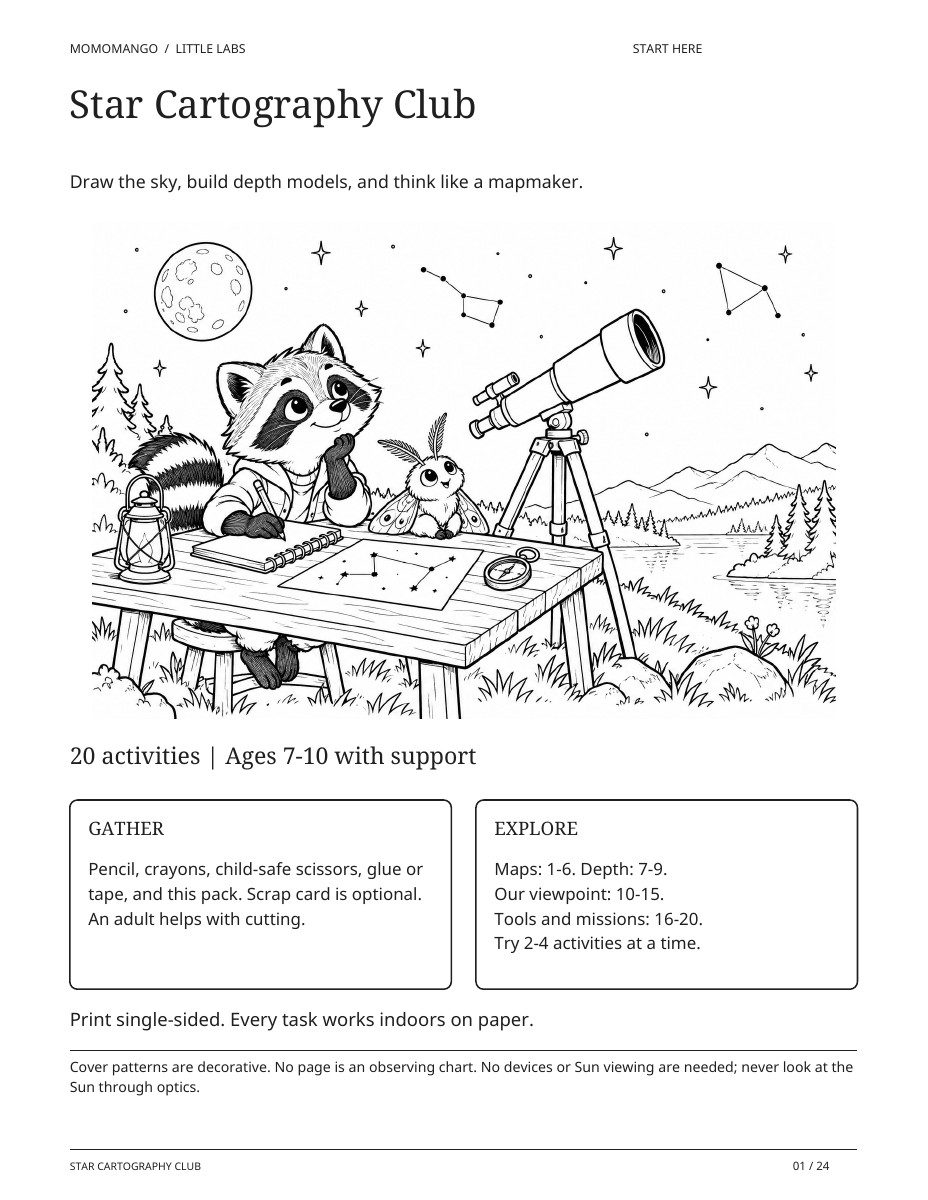
Star Cartography Club
Ages 2–4, 4–6 & 7–10Coloring, early activities & a full investigationKnowledge bundle · Astronomy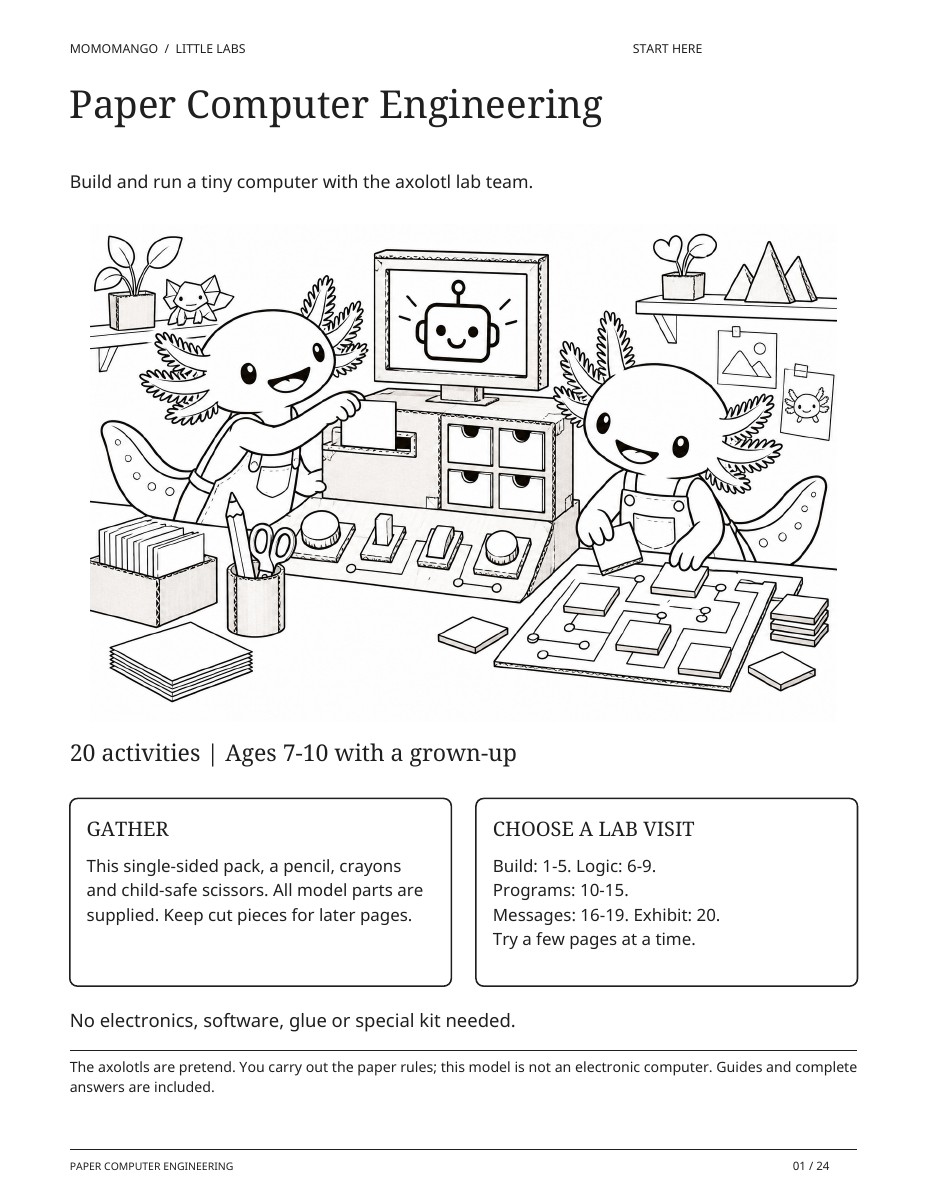
Paper Computer Engineering
Ages 2–4, 4–6 & 7–10Coloring, early activities & a full investigationBuilder bundle · Computer engineering